Guides

How to restore a water-damaged photo

A leak, a flood or years in a damp box can leave prints stained, faded and cracked. You can't undo the damage to the paper, but you can make a restored digital copy that looks the way the photo used to.

Free to download · Photos auto-deleted in 48h · Updated October 22, 2026

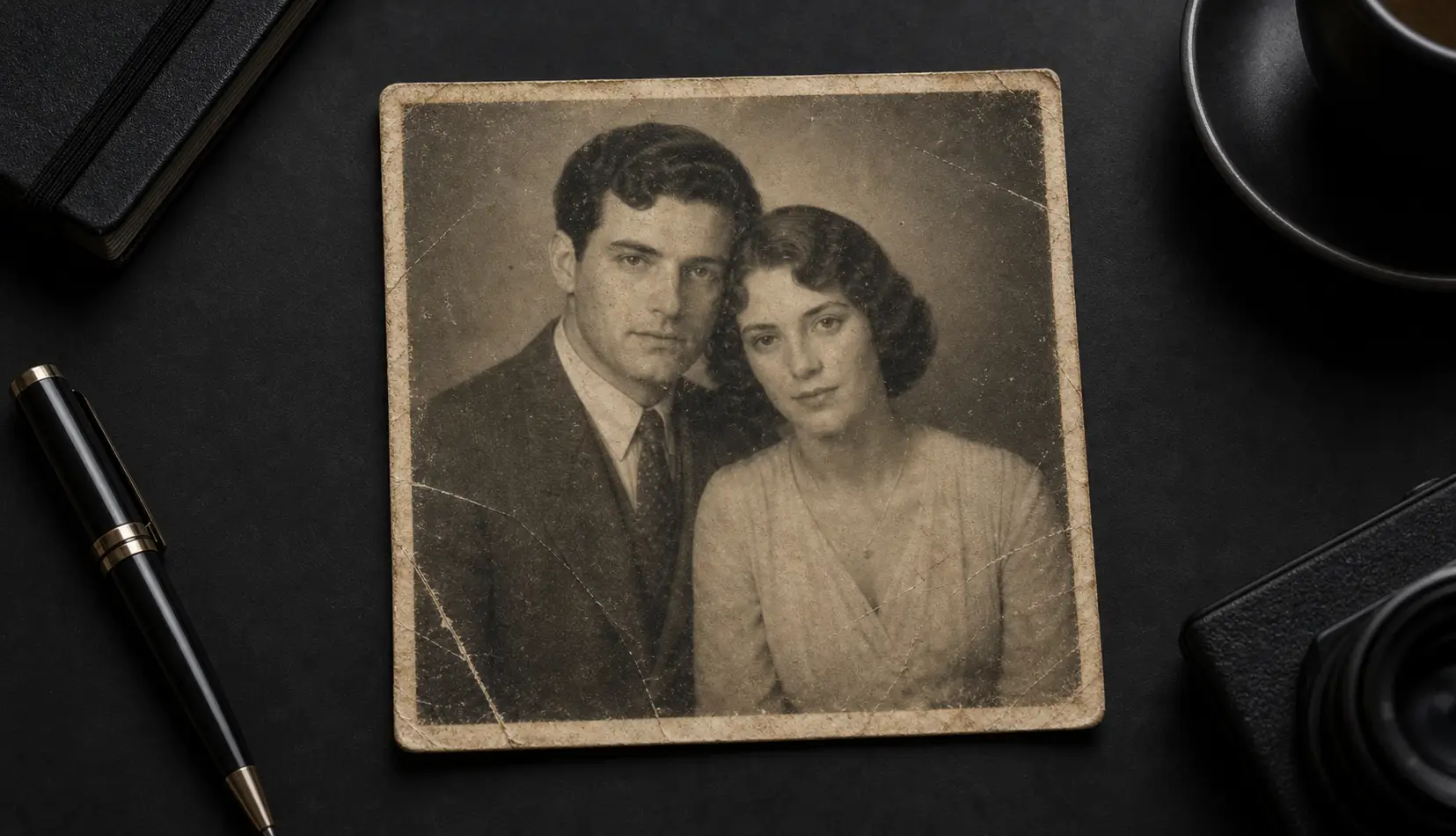
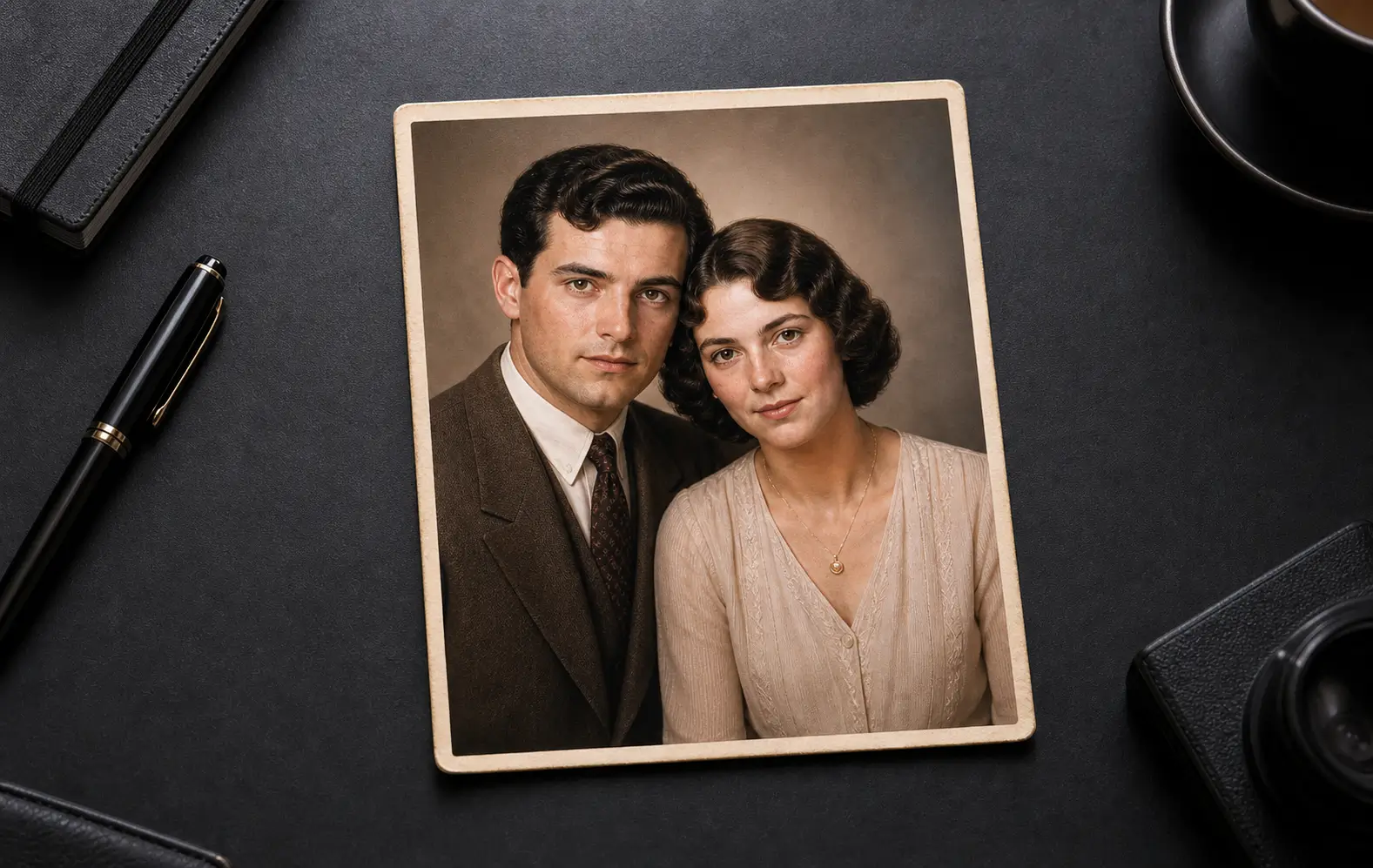
Qutu restoring a faded, scratched old photo
Before Before: An old portrait before and after AI restoration — stains and scratches repaired, faces clarified, color recovered.
After After: An old portrait before and after AI restoration — stains and scratches repaired, faces clarified, color recovered.
An old portrait before and after AI restoration — stains and scratches repaired, faces clarified, color recovered.

Step 1: Handle the print carefully

  • If photos are still wet, don’t pull stuck prints apart. Rinse gently in clean cool water if they’re muddy and let them dry face up on a clean towel — or ask a photo conservator for help with valuable prints.
  • If they’re dry, keep them flat and out of sunlight. Don’t wipe stains with cloths or chemicals; you’ll likely lift the emulsion.

Step 2: Make a good digital copy

  • Photograph the print straight on, in soft, even daylight, with the flash off.
  • Fill the frame with the print and tap to focus on a face.
  • A flatbed scanner gives the most detail if you have one.

Step 3: Restore it with AI
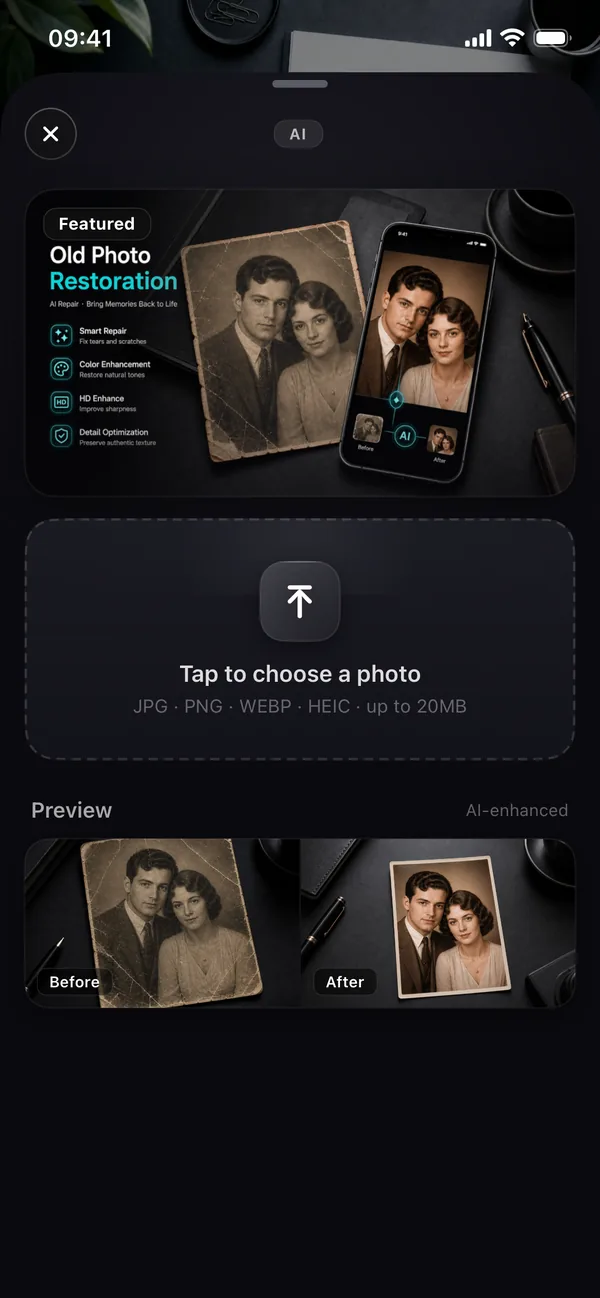
Qutu's Old Photo Restoration screen on iPhone with a before-and-after preview

  1. Open Qutu on iPhone (or Qutu Web) and choose Restore old photo.
  2. Pick your scan. Qutu repairs stains, scratches and creases, recovers faded color and sharpens faces.
  3. Compare with the original and save the restored copy.

Step 4: Keep both versions

Save the original scan and the restored image side by side, and back both up to the cloud. Future tools may do even better with the original, and family members will want to see the “real” print too.

What restoration does well

Water stains, tide lines, fading, yellowing, fine cracks and soft focus usually improve a lot. Large areas where the picture is completely missing are the hardest — the AI has to invent what was there, so check those areas carefully.

Frequently asked questions

Should I try to clean the print first?

Only gently. If prints are still wet and stuck together, let a professional conservator handle them. For dry prints, digitize them as they are — restoration is safer on the digital copy than on the paper.

Can AI restore color to faded or black-and-white photos?

Yes. Qutu repairs fading and yellowing, and can colorize black-and-white prints.

Will the restored faces still look like my family?

The AI aims to keep people recognizable. Compare with the original at full size and keep whichever version feels right — always save the original scan too.

What can't be fixed?

Areas where the image is completely gone — torn away or fully dissolved — can only be guessed at. Keep expectations realistic for heavily damaged spots.

Change the words. Keep the photo.

Qutu matches the original font, color and background, so your edit looks like it was always there.